Many B2B teams focus exclusively on Google, leaving a massive gap in their search strategy where conversion rates are often higher and AI citations are easier to track. Manually managing SEO across multiple platforms is exhausting, especially when you are trying to figure out why your content appears in some AI answers but not others. Relying on guesswork for AI visibility leads to missed opportunities in Microsoft Copilot and other generative engines that now drive significant referral traffic.
This guide provides a hybrid framework for mastering Bing Webmaster Tools (BWT) as a primary hub for Generative Engine Optimization (GEO). We will look at the specific 2026 updates to the AI Performance Report, which now includes Citation Share and Topic tracking for Microsoft Copilot. You will see how to bridge the gap between traditional search rankings and being the grounding source for AI-generated answers. This approach moves beyond basic indexing to focus on how your content is retrieved and interpreted by large language models.
The methodology here is both procedural and diagnostic. We start with the fastest verification methods, including the Google Search Console import, before moving into deep-data analysis. Unlike other platforms, Bing provides transparent, long-tail query data that is not hidden behind anonymized labels. This gives you a direct blueprint for what your audience is actually typing, allowing you to identify high-intent keywords that competitors often overlook.
Use this article to audit your current technical health via Site Scan and to build an automated workflow for content gaps. If you are a startup or a solo creator, you can use these insights to feed automation tools like Tydal. This ensures your site remains visible on both traditional search results and AI platforms like ChatGPT without needing a dedicated content department. Skim the setup sections if you already have a verified account, or jump directly to the AI Performance section to begin your generative search audit.
What is Bing Webmaster Tools?
Bing Webmaster Tools (BWT) is a free dashboard provided by Microsoft that allows website owners to monitor, maintain, and troubleshoot their site's visibility within Bing search results and Microsoft Copilot. For B2B startups and content creators, it functions as a command center for understanding how both traditional search algorithms and modern generative AI systems interact with your digital assets.
By 2026, the platform has evolved into a primary hub for Generative Engine Optimization (GEO). While traditional SEO focuses on ranking in a list of links, GEO focuses on becoming the cited source in AI-generated answers. BWT provides the diagnostic tools necessary to track these citations, offering a level of transparency into AI retrieval that other platforms currently lack.
Why use Bing Webmaster Tools in 2026?
Using this platform is necessary for any business that wants to move beyond basic search traffic and into AI-driven discovery. There are three primary reasons to integrate BWT into your workflow today:
- Access to AI Citation Data: BWT is the only first-party tool providing detailed metrics on how Microsoft Copilot uses your content. You can see your "Citation Share" and understand which specific topics are triggering AI mentions.
- Non-Anonymized Query Insights: Unlike Google Search Console, which often anonymizes a significant portion of long-tail query data, Bing provides more transparent access to the specific phrases driving traffic to your site. This is a major advantage for niche B2B sectors looking for high-intent keywords.
- Grounding Queries: The platform reveals "Grounding Queries," which are the specific search terms AI systems use to retrieve and verify information from your website.
For small teams and creators who use automation platforms like Tydal to scale their organic reach, BWT serves as the data foundation. It identifies the content gaps and AI visibility opportunities that you can then address through automated content creation, ensuring your site remains a primary source for both human searchers and AI models like ChatGPT and Copilot.
Why Bing Matters: B2B Conversion and AI Visibility
While Google commands the majority of search volume, ignoring Bing Webmaster Tools means overlooking a high-value segment of the market. Bing currently holds a search market share between 6% and 10%, but this figure does not tell the full story for B2B organizations. In many professional and corporate environments, Bing is the default engine on work devices, often resulting in higher conversion rates for B2B verticals compared to other platforms.
Data transparency is a major reason to integrate this tool into your workflow. Bing Webmaster Tools provides 16 months of historical search performance data, matching the retention period of Google Search Console. This allows startups and small businesses to perform year-over-year comparisons and track seasonal trends without losing access to older metrics. For teams without a dedicated content department, having this long-term visibility helps in identifying which topics consistently drive organic traffic versus those that require an automated refresh.
The most distinctive advantage in the current landscape is the platform's focus on AI visibility. Through features like Grounding Queries, the tool reveals how AI systems retrieve and interpret your website's content to generate responses. This data provides a direct look into the mechanics of Microsoft Copilot and other generative engines. By understanding these queries, content creators can optimize their pages to be cited more frequently in AI-generated answers. This creates a feedback loop: you use the performance data to identify gaps, then leverage automation platforms like Tydal to produce targeted content that ranks in both traditional search results and AI-driven recommendations.
How to Set Up Bing Webmaster Tools
Setting up Bing Webmaster Tools (BWT) is the first move toward capturing traffic from the Microsoft ecosystem and tracking how AI models like Copilot interact with your site. The process is designed to be low-friction, especially for those who already manage their presence through Google Search Console.
Option 1: The Google Search Console Import
The fastest way to get started is by importing your verified sites directly from Google Search Console (GSC). When you first sign in to BWT, select the "Import" option under the GSC prompt. This method bypasses manual verification steps and instantly populates your dashboard with existing site data. It also ensures that historical search performance data, which covers a 16-month range, is available for analysis immediately.
Option 2: Manual Verification Methods
If you do not use GSC or prefer a manual setup, you can add your site URL directly. You will need to prove ownership using one of three standard methods:
- XML File Upload: Download the BingSiteAuth.xml file provided by the dashboard and upload it to your website's root directory.
- Meta Tag: Copy the provided meta tag and paste it into the head section of your site's homepage.
- DNS Record: Add a CNAME or TXT record to your domain's DNS settings. This is often the most stable method for long-term verification across subdomains.
Initial Configuration and IndexNow
Once verified, submit your XML sitemap immediately to help Bing discover your content structure. Navigate to the Sitemaps section and paste your sitemap URL. To ensure your new content is indexed in real-time rather than waiting for a scheduled crawl, enable IndexNow. This protocol allows your CMS to notify Bing the moment a page is updated or published, which is vital for maintaining visibility in fast-moving search results.
For startups and small teams using Tydal to automate content creation, having BWT correctly configured is a prerequisite. The data gathered here informs which topics are gaining traction and where AI citations are occurring. This allows you to refine your automated SEO strategy and scale organic traffic without the need for a dedicated content team.
"Import your Google Search Console settings directly to save an hour of manual verification and avoid configuration errors."
Mastering the AI Performance Report
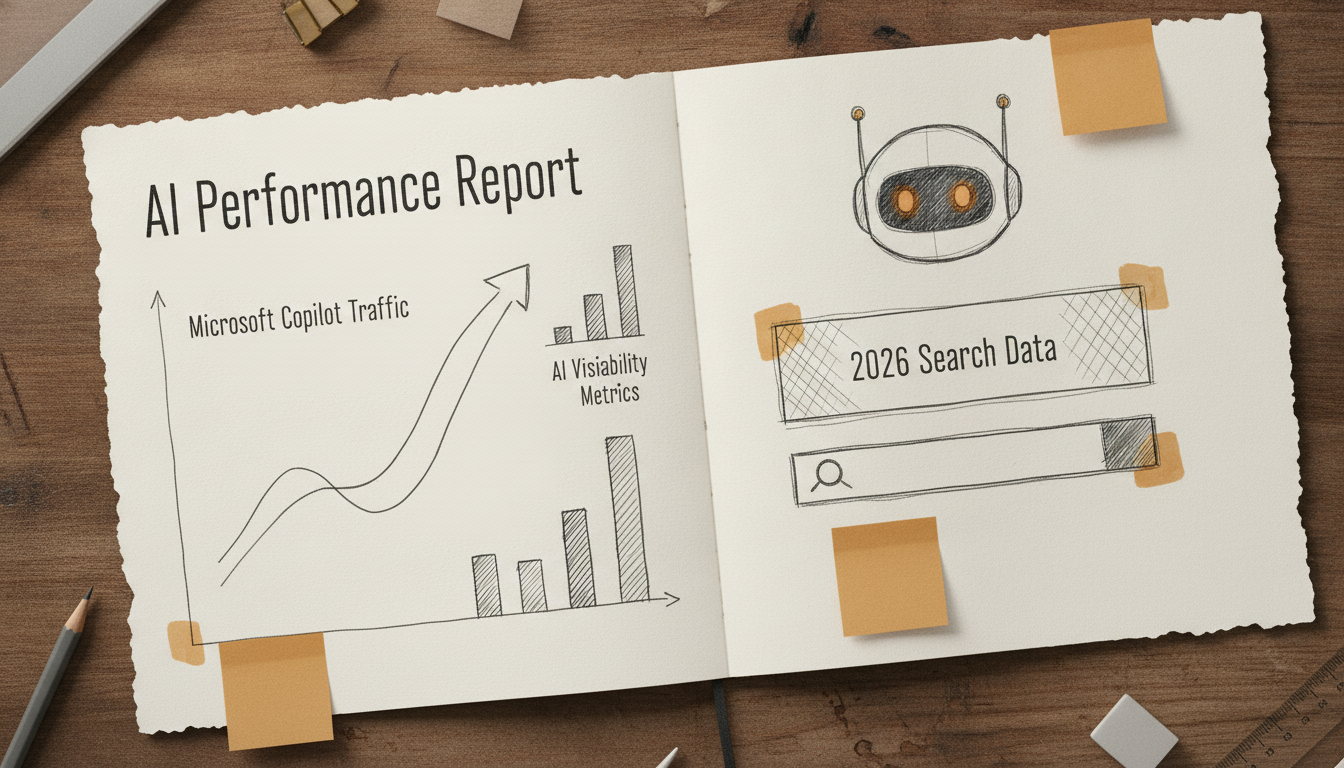
Microsoft officially launched the AI Performance report in public preview within Bing Webmaster Tools on February 10, 2026. This dashboard represents a shift from traditional search tracking to Generative Engine Optimization (GEO), providing data on how Microsoft Copilot cites and utilizes your website content.
Tracking Visibility in Microsoft Copilot
The AI Performance report moves beyond clicks and impressions to show "Intents" and "Topics." Intents classify user queries into categories like Informational or Commercial, helping you understand the stage of the buyer journey your content satisfies. Topics aggregate these queries into broader themes, revealing which areas of your site Bing views as authoritative for AI-generated responses.
A unique feature within this report is "Grounding Queries." These are the specific search terms the AI uses to retrieve and verify information from your site before generating an answer. If your content appears in grounding queries but fails to earn a citation, it often indicates that the information is present but not structured clearly enough for the AI to extract and credit.
Understanding Citation Share
Citation Share is a metric introduced on June 16, 2026, that allows you to compare your AI presence against competitors. It measures the frequency with which your site is linked as a source in Copilot responses relative to other sites in your niche.
- High Citation Share: Your content is structured as a source of truth and is easily parsed by Large Language Models (LLMs).
- Low Citation Share: Your site might be relevant, but the AI is choosing more concise or better-formatted competitors to verify its claims.
For B2B startups and content creators, these insights are actionable. If the report shows you are losing citation share on high-intent commercial topics, you can use Tydal to automate the production of more targeted, SEO-optimized articles that specifically address those gaps. This helps maintain visibility on both traditional search and AI platforms like ChatGPT without needing a full content team to manually rewrite every page.
Technical SEO Tools: IndexNow and Site Scan
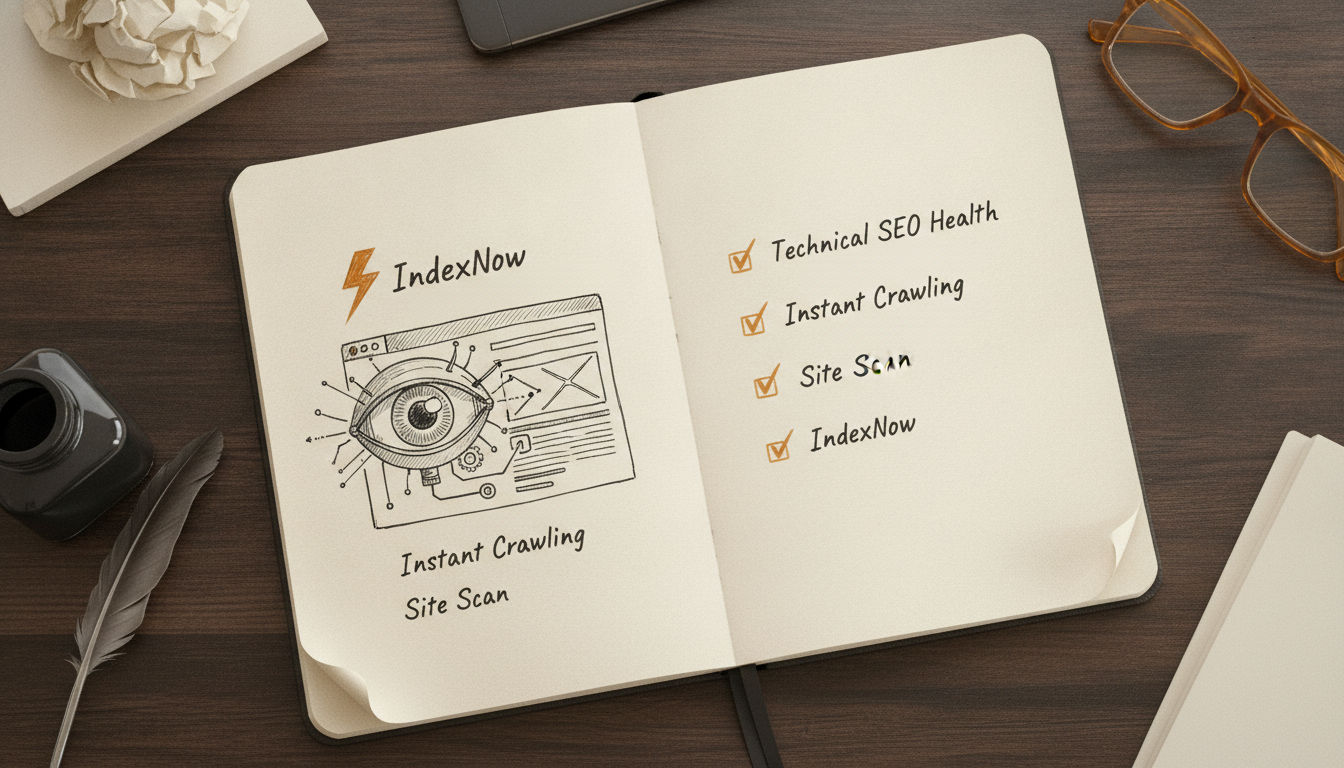
Bing Webmaster Tools provides a suite of technical utilities that go beyond simple data reporting. These tools allow you to take direct action on your site's health and indexing speed, which is a major advantage for smaller teams that cannot wait weeks for a search engine to discover new content.
Real-Time Indexing with IndexNow
IndexNow is an open-source protocol that allows website owners to instantly notify search engines about recent content changes. When you publish a new page or update an existing one, IndexNow pushes that URL to Bing, triggering an immediate crawl. This bypasses the traditional wait time associated with passive discovery. For startups using automated content tools like Tydal, IndexNow ensures that newly generated SEO articles are visible to search engines and AI platforms as quickly as possible.
On-Demand Audits via Site Scan
The Site Scan tool functions as a built-in technical SEO auditor. It crawls your site on demand and identifies common issues such as broken links, missing alt text, or duplicate meta descriptions. You can configure the scan to crawl specific sections of your site or the entire domain. This tool provides a clear list of technical fixes that are often overlooked by manual processes.
The Recommendations Tool
The Recommendations feature analyzes your site's performance and technical setup to suggest specific improvements. It identifies content gaps where your site could rank for relevant queries but currently lacks the necessary pages. For businesses without a dedicated content team, these recommendations serve as a roadmap. You can take these identified gaps and use Tydal to automate the creation of high-quality content that addresses those specific search intents, effectively scaling your organic traffic without manual keyword research.
Bing Webmaster Tools vs. Google Search Console
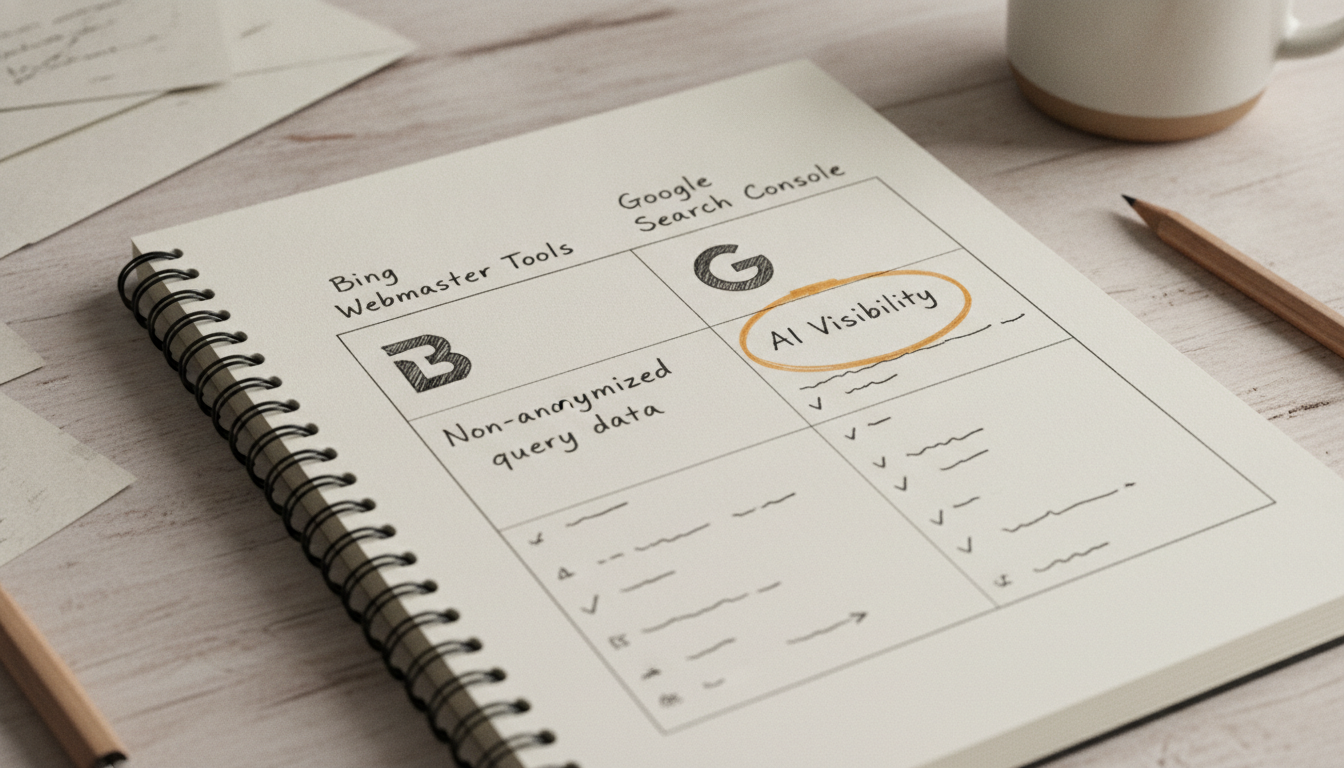
Most SEOs treat Google Search Console (GSC) as the primary source of truth because of its 90 percent market share. Using Bing Webmaster Tools (BWT) alongside it reveals data that Google intentionally obscures. While both platforms provide 16 months of historical data, BWT offers a level of transparency with long-tail queries that GSC lacks.
Google frequently anonymizes search queries with low volume to protect user privacy. In contrast, Bing provides more transparent, non-anonymized data for niche keywords. This makes BWT a superior tool for discovery if you are a startup or content creator looking for specific, low-competition gaps that your competitors might miss.
| Feature | Bing Webmaster Tools | Google Search Console | Primary Benefit |
|---|---|---|---|
| Market Share | ~6-10% | ~90% | GSC provides the highest traffic volume. |
| AI Reporting | 2026 AI Performance Report (Copilot) | Limited/Experimental | BWT tracks AI citations and "Grounding Queries." |
| Keyword Data | Non-anonymized long-tail queries | Heavily anonymized low-volume queries | BWT is better for niche keyword research. |
| Integrations | Microsoft Clarity & Backlink Analysis | Basic Core Web Vitals | BWT offers built-in UX and link auditing. |
Beyond keyword data, the technical integrations differ significantly. BWT includes a built-in backlink analysis tool and direct integration with Microsoft Clarity, allowing you to see how users interact with your pages after they click. For businesses focused on Generative Engine Optimization (GEO), BWT is currently the only platform providing first-party citation data for Microsoft Copilot. This helps you understand how AI systems interpret and retrieve your content, which is a critical signal for ranking on AI platforms like ChatGPT.
The decision to use one tool over the other depends on your growth stage. While Google Search Console is necessary for managing the bulk of your organic traffic, Bing Webmaster Tools serves as a diagnostic engine for AI visibility and niche keyword opportunities. For startups and content creators, the data in BWT often provides the specific signals needed to capture traffic before those terms become hyper-competitive on Google.
Scaling AI Visibility with Automated Content
Bing Webmaster Tools provides a unique window into how generative AI perceives your site. The AI Performance report, which launched in public preview on February 10, 2026, breaks down your visibility into specific intents and topics. I recommend looking specifically at Grounding Queries. These are the specific search terms AI systems use to retrieve and verify information from your pages. If you see queries where your site is being used as a source but your citation share is low compared to competitors, you have a clear content gap.
Small teams often struggle to act on these insights because manual content creation is slow. This is where automation becomes a strategic advantage. By taking the non-anonymized long-tail data and Grounding Queries found in BWT, you can feed these specific topics into an automation platform like Tydal. This allows you to generate and publish targeted articles that address those exact AI retrieval needs without hiring a dedicated content team. This workflow solves the frustration of manual content processes while ensuring you capture visibility on both traditional search and AI platforms like ChatGPT.
A repeatable workflow involves checking the BWT Recommendations tool weekly to find technical and content fixes. Combine these with the AI Performance data to build a roadmap of high-intent topics. Tydal handles the keyword planning and publication, ensuring your site remains a high-authority source for AI models. This approach turns Bing Webmaster Tools from a passive monitoring tool into an active engine for organic growth, allowing startups and creators to scale their digital presence efficiently.
Frequently Asked Questions
What is Bing Webmaster Tools?
Bing Webmaster Tools is a free service provided by Microsoft that allows website owners to monitor and maintain their site's presence in Bing search results and Microsoft Copilot. It provides essential data on indexing, search performance, and technical SEO health to help webmasters improve their visibility.
Is Bing Webmaster Tools free to use?
Yes, Bing Webmaster Tools is entirely free for all website owners and SEO professionals. There are no subscription fees or paid tiers required to access its full range of features, including the AI Performance report and the Site Scan audit tool.
How do I set up Bing Webmaster Tools for my website?
You can set up the platform by signing in with a Microsoft account and adding your site URL for verification. The most efficient method is importing your verified sites directly from Google Search Console, which provides instant verification without needing to add new code to your site.
What is the AI Performance report in Bing Webmaster Tools?
The AI Performance report is a specialized dashboard that tracks how your content is cited and retrieved by Microsoft Copilot. It offers insights into your Citation Share and Grounding Queries, helping you understand how generative AI systems interpret and use your website as a source.
How does Bing Webmaster Tools compare to Google Search Console?
While both platforms offer 16 months of historical data, Bing Webmaster Tools provides more transparent access to non-anonymized long-tail query data. Bing also includes unique features like IndexNow for real-time indexing and first-party reporting for AI citations that are not currently available in Google Search Console.
Can I use Bing Webmaster Tools to improve my AI visibility?
You can use the platform to identify specific topics where your site is being cited by AI and find content gaps using the Recommendations tool. For those looking to scale, using these insights with an automation platform like Tydal allows you to generate and publish targeted content that ranks on both traditional search and AI platforms.
Mastering Bing Webmaster Tools is a strategic move for any business looking to capture high-intent B2B traffic and AI citations. By leveraging its unique data on long-tail queries and Copilot visibility, you can build a more resilient search presence. Integrating these insights into an automated workflow ensures your site remains a primary source for both traditional search engines and modern generative platforms.